Argus — A Browser-Local Long-Video Understanding Agent Harness
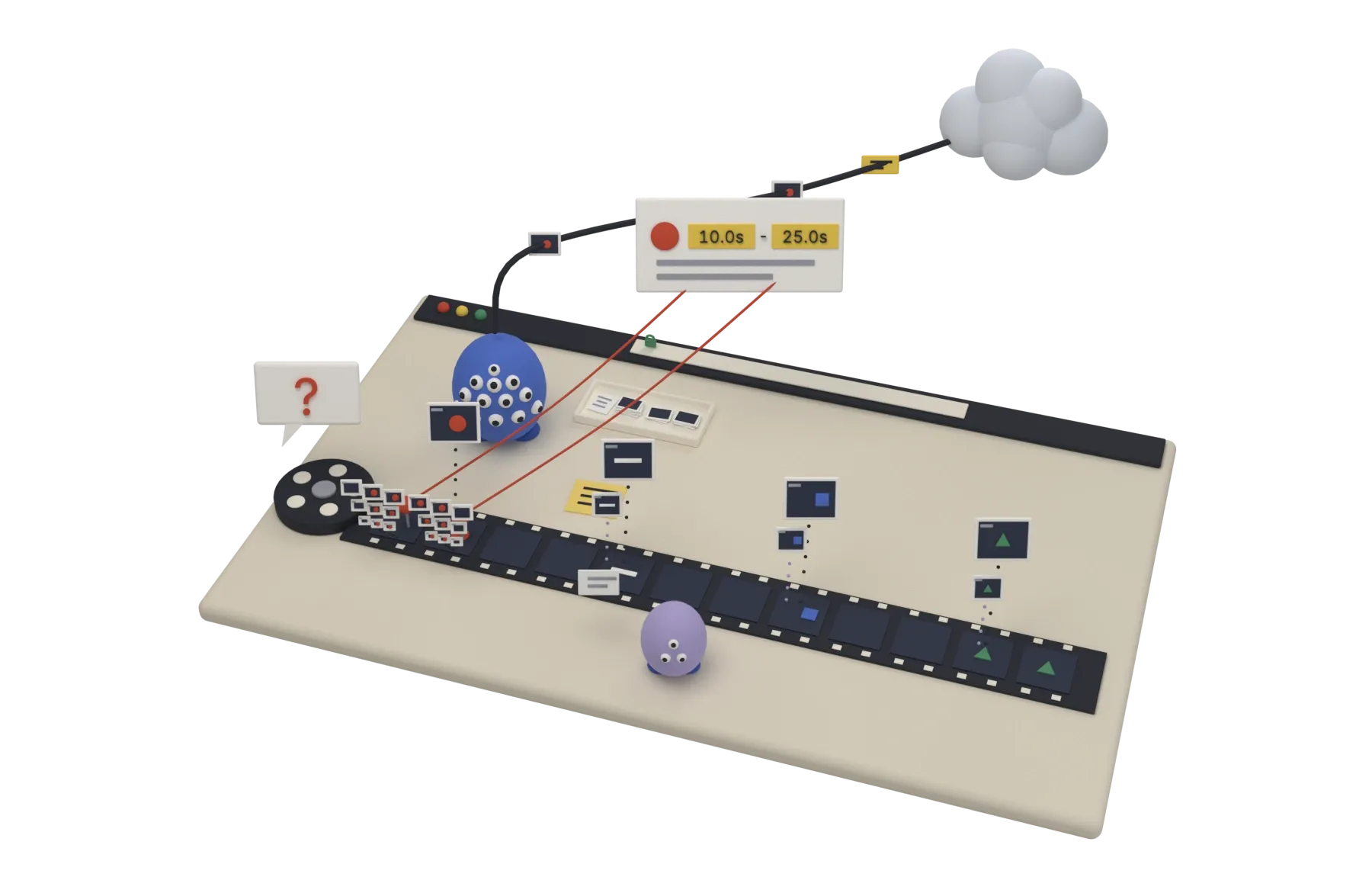
Argus (named after Argus Panoptes, the hundred-eyed giant of Greek myth) is an open-source, long-video understanding agent harness I designed and built solo — frontend-only, no backend. Videos are decoded entirely in the browser, and users bring their own API keys and models. A multimodal LLM agent calls tools to “watch” the video itself: extracting frames, zooming into regions, taking notes, and spawning sub-agents. Typical scenarios: counting people in surveillance footage, or finding a specific object.
The Problem
The hard part of long-video understanding isn’t the model — it’s how you feed it the video. Uploading everything is prohibitively expensive; blind frame sampling misses the signal. Argus hands that decision to the agent: it inspects video metadata first, then decides which frames to extract, at what rate, and where to zoom in — and when the context is about to explode, it spawns sub-agents to handle segments. Meanwhile the video file never leaves your browser and there is no backend: all the model receives is the downscaled frames the agent picked, plus text.
Architecture Highlights
- Agent Loop — Vercel AI SDK
streamTextruns the multi-step tool loop (capped withstopWhen); the two parts that make the product are ours:prepareStepinjects freshly extracted frames as a user message so any vision model can see them (images inside tool results don’t carry across OpenAI-compatible gateways), and old images are pruned (only the last 3 batches stay; earlier ones become a line of text saying how to pull them back) so long runs keep their context bounded. - 8 Video-Understanding Tools —
get_video_info/extract_frames(range + rate sampling with timestamps) /extract_frame_at/list_frames/inspect_region(zoom into a region) /remember/recall(state memory against long-context drift) /spawn_subagent(segment very long videos, preventing context blow-up). - Browser-Native Hardware-Decoded Frame Extraction — the main path is mediabunny (WebCodecs demux + decode, no
<video>seeking); when it can’t decode a file, Argus falls back to<video>+<canvas>(with black-frame retries); containers like AVI / WMV / FLV are transcoded locally with ffmpeg.wasm, fetched from a CDN only the first time one shows up; mediainfo.js only fills in fps / codec / bitrate on the fallback path. - 211 Providers via a Runtime Catalog — integrates the models.dev catalog, normalized into provider presets with a searchable dropdown; vision models are auto-flagged and selected by default; OpenAI-compatible / Anthropic / Gemini transports are detected automatically, with CORS hints and a connection test.
- Sub-Agent Context Isolation — a sub-agent is a nested agent run without the
spawn_subagenttool, so the intermediate work of segment-level understanding never pollutes the main context.
Tech Stack
Frontend · Vite 8 + React 19 + TypeScript 7 (native tsc) + Tailwind 4 + zustand
LLM Access · Vercel AI SDK (ai + @ai-sdk/openai / @ai-sdk/anthropic / @ai-sdk/google, all with custom baseURL support) · models.dev provider catalog
Infra · GitHub Actions CI/CD · dual-track publishing (Alibaba Cloud CDN + OSS for China, Cloudflare Pages overseas) · Let’s Encrypt DNS-01 certificate auto-renewal
Engineering Practices
- Zero Backend — a pure static site; the build artifact is 7 files published to both tracks. User API keys live only in the browser.
- Same-Artifact Dual Publishing — China (Alibaba CDN → OSS) and overseas (Cloudflare Pages) are served from a single
dist/build, with DNS split-horizon routing guaranteeing identical content on both tracks. - Certificate Automation — a weekly job checks the China CDN certificate and renews via DNS-01 when under 30 days remain, with edge verification.
My Role
Solo build: product design · agent harness architecture · frontend implementation · multi-provider integration · CI/CD dual-track deployment — from zero to open-source release, end to end.
Open-source project — see GitHub.